Tokyo Food Guide functions as a specialized digital platform designed to streamline the discovery of dining establishments across the Tokyo metropolitan area. Its operational framework prioritizes user-centric search and detailed information delivery, aiming to connect diners with specific culinary experiences based on their preferences. Understanding its mechanics allows for more efficient navigation of Tokyo’s diverse food scene, whether searching for a quick bite, a specific cuisine, or a high-end dining experience.
Navigating the Culinary Landscape: Search and Discovery Mechanisms
The core utility of Tokyo Food Guide lies in its robust search and filtering capabilities, which allow users to narrow down an extensive database of restaurants. Users initiate their search by applying various parameters, moving beyond simple keyword queries to highly specific criteria. This multi-faceted approach ensures that results are relevant to individual dining needs.
Refining Your Search Parameters
The platform employs a structured filtering system. Key search dimensions include:
- Cuisine Type: Filters range from broad categories like Japanese, Italian, or French, to more specific sub-genres such as Izakaya, Ramen, Sushi, or Tempura. This allows for precise targeting of desired food styles.
- Geographical Area: Users can select specific wards (e.g., Shibuya, Shinjuku, Ginza) or even smaller neighborhoods within those wards, facilitating localized searches. An integrated map view often complements this, visually plotting restaurant locations.
- Price Range: Options typically include budget-friendly, mid-range, and high-end categories, allowing users to align choices with their financial expectations.
- Dining Occasion: Filters for casual dining, romantic dinners, business meals, or family-friendly establishments guide users to venues suitable for their specific event.
- Dietary Restrictions: Some listings include information on vegetarian, vegan, gluten-free, or allergy-friendly options, though verification with the restaurant is always recommended.
- Specific Features: This can include criteria such as "open late," "private rooms available," "English menu," or "non-smoking sections."
Once filters are applied, the system processes these inputs to generate a refined list of establishments. Results are typically presented in a sortable list format, often accompanied by a map interface that visually plots the locations of matching restaurants, enhancing geographical context.
Detailed Listing Information and Content Depth
Each restaurant listing within Tokyo Food Guide is designed to provide comprehensive information, enabling users to make informed decisions before visiting. The depth of detail aims to replicate an in-person understanding as closely as possible through digital means.
Components of a Restaurant Profile
Individual restaurant pages typically include:
- Basic Information: Address, phone number, operating hours (including last order times), and website link.
- Cuisine and Specialties: A detailed description of the food served, often highlighting signature dishes or unique culinary approaches.
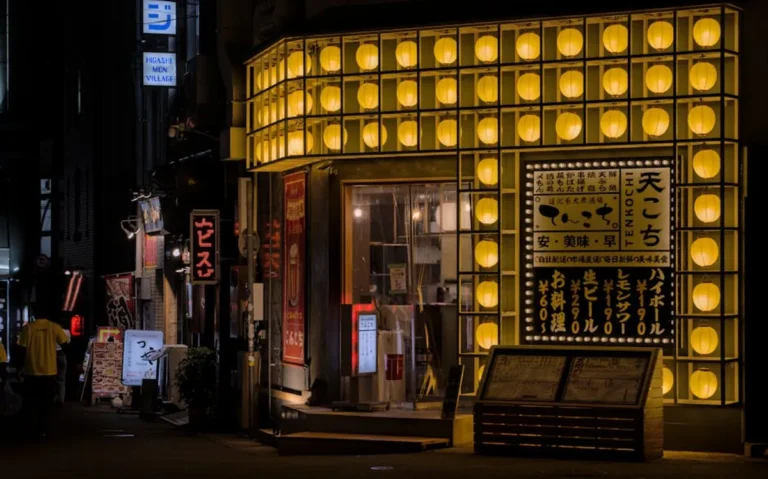
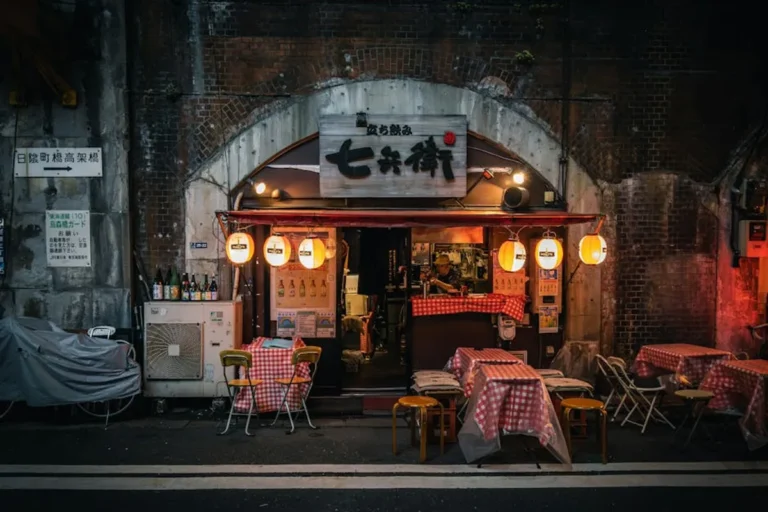
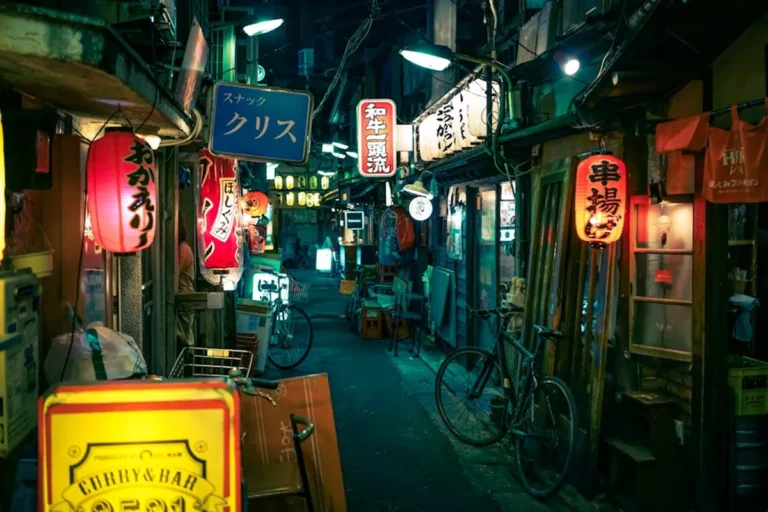
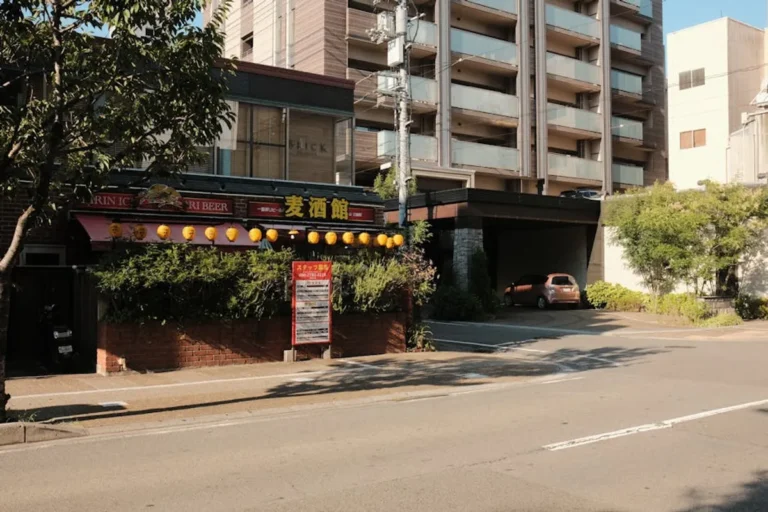
- Photos: High-quality images of the interior, exterior, and key menu items, providing a visual preview of the dining experience.
- Menu Samples: While not always exhaustive, many listings feature sample menus with associated prices, offering transparency on offerings and cost.
- User Reviews and Ratings: A crucial component, aggregating feedback from previous diners on food quality, service, ambiance, and value. Ratings are often numerical (e.g., out of 5 stars) and accompanied by written commentary.
- Reservation Links: Direct integration with online reservation systems (where available) allows users to book tables without leaving the guide.
- Access Information: Details on the nearest train stations and walking directions, essential for navigating Tokyo's public transport system.
The content is a blend of editorial contributions and user-generated data. Editorial teams often curate initial listings and verify core information, while user reviews and photos continuously enrich and update the profiles, providing a dynamic and current perspective.
Pro Tip: When using Tokyo Food Guide, prioritize listings with recent user reviews and multiple high-quality photos. This indicates a more active and well-documented establishment, providing a more reliable representation of the current dining experience.
User Experience and Interaction
The platform's design emphasizes intuitive interaction and accessibility across various devices, from desktop browsers to mobile applications. User experience is central to its functionality, encouraging repeat visits and active participation.
Personalization and Engagement Features
Users can often create personal accounts to leverage additional features:
- Saved Lists: The ability to bookmark favorite restaurants, create wishlists for future visits, or organize establishments by occasion.
- Review Submission: Registered users can contribute their own reviews, ratings, and photos, feeding into the platform's community-driven content.
- Recommendation Engines: Some versions of the guide may offer personalized recommendations based on past searches, saved items, or reviewed restaurants, tailoring future suggestions.
The interface typically employs clear navigation, responsive design, and logical information architecture to ensure that even first-time users can quickly find and process information. The aim is to reduce friction in the decision-making process, from initial search to final reservation.
Maximizing Your Tokyo Dining Search
To fully leverage Tokyo Food Guide, begin by clearly defining your dining objective: cuisine, budget, and location. Utilize the granular filtering options to narrow your initial search, then delve into individual listings, paying close attention to recent reviews, menu details, and reservation availability. Cross-referencing information with the integrated map view can also confirm proximity and ease of access. The guide functions most effectively when users engage with its full suite of features, moving beyond basic searches to explore the rich data within each restaurant profile.
Frequently Asked Questions
What types of restaurants are listed on Tokyo Food Guide?
Tokyo Food Guide lists a broad spectrum of dining establishments, ranging from casual eateries like ramen shops and cafes to high-end Michelin-starred restaurants, covering diverse cuisines both local and international.
Can I make reservations directly through the guide?
Many restaurant listings include direct links to online reservation systems, allowing users to book tables without navigating away from the guide. Availability varies by restaurant.
How current is the information provided for each restaurant?
Information is regularly updated through a combination of editorial checks and user contributions. Operating hours, menu changes, and new reviews contribute to maintaining the currency of the listings.
Are there options for specific dietary restrictions?
Some listings include information regarding vegetarian, vegan, or gluten-free options. However, it is always advisable to contact the restaurant directly to confirm specific dietary accommodations before visiting.